Most AI tools ask you to do the thinking and the doing. You write the prompt, interpret the output, apply it manually, and repeat. That cycle works — until it doesn't. The moment your workday involves sorting hundreds of files, assembling reports from scattered sources, or managing repetitive data tasks, conversational AI hits a wall. Claude Cowork is Anthropic's answer to that wall.
Released in January 2026 as a research preview, Claude Cowork is a desktop AI agent built for non-technical knowledge workers. It doesn't just respond to your queries — it opens your files, moves between applications, synthesizes information across sources, and delivers a finished result. For marketers, operations leads, analysts, and business owners, this is a meaningful shift in how AI fits into daily work.
What Is Claude Cowork — and How Is It Different?
In standard Claude chat, the AI responds to messages but cannot access your files directly. Cowork changes that permission model entirely. Once you grant access to a folder, Claude can read, edit, and create files within it — completing tasks rather than simply describing how to complete them.
It runs on your desktop, where most business work actually happens: inside local folders, documents, spreadsheets, and the applications you use every day. The distinction matters. Unlike browser-based AI tools, Cowork operates at the filesystem level, moving fluidly between sources without requiring you to coordinate every step.
- Regular Claude: You describe a task, Claude tells you how to do it — you execute it yourself.
- Claude Cowork: You describe the outcome you want, Claude figures out the steps, accesses your files, and returns a finished deliverable.
The analogy Anthropic uses is apt: most AI tools are built around the prompt. Cowork is built around the outcome.
Who Is Claude Cowork Built For?
Cowork was designed with a specific type of professional in mind — people whose workday is full of tasks that are time-consuming but not technically complex. No terminal. No code. No configuration files.
The professionals who benefit most include:
- Marketers compiling campaign performance data from multiple source files into structured reports
- Business owners managing a backlog of documents, contracts, and downloaded assets that need sorting, renaming, or summarising
- Operations teams processing receipts, forms, and attachments in high volume
- Analysts and researchers synthesising information from multiple documents into a coherent draft
- Finance and legal professionals who work with structured data and need assembly done accurately and consistently
This isn't for developers. It was built precisely because non-developers were already stretching Claude Code — Anthropic's terminal-based tool — to do non-coding tasks like sorting files and drafting documents. Cowork formalises that use case with a proper interface.
What Can Claude Cowork Actually Do?
The practical use cases for marketers and business owners are substantial. Here is what Cowork handles with particular strength:
1. File Organisation at Scale
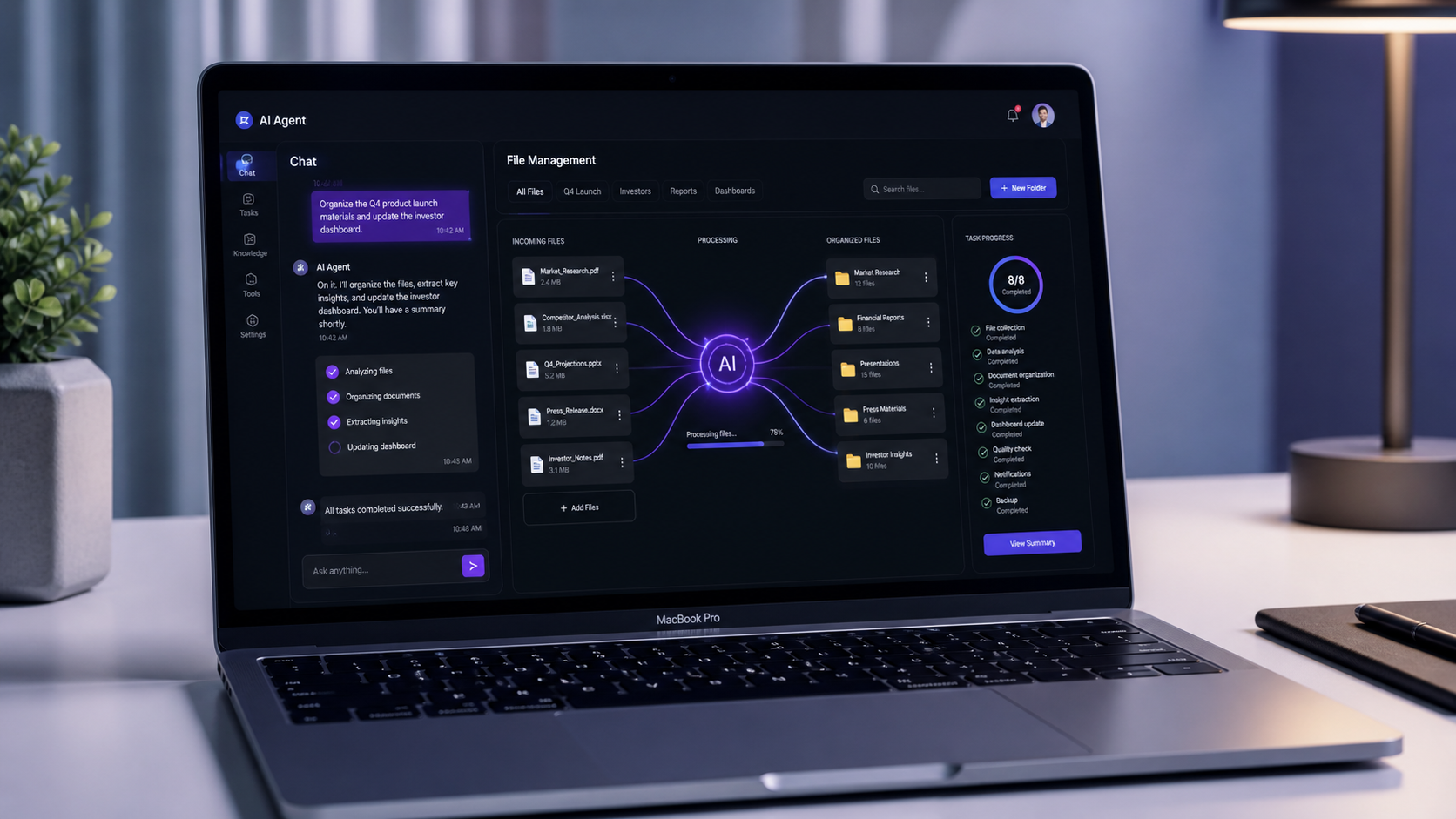
File systems accumulate faster than anyone can manage them. Point Cowork at a folder of drafts, downloads, client files, or marketing assets and instruct it to rename, sort, deduplicate, or surface what is relevant. It handles the assembly so the only thing left for you is the judgement call on the output.
- Rename files by content or date structure
- Deduplicate across folders
- Sort and categorise downloads, attachments, and archived assets
2. Report Drafting from Multiple Sources
The hardest part of writing a report is rarely the writing — it is gathering, cross-referencing, and structuring the inputs. Hand Cowork a set of source files and it produces a structured draft. The assembly and synthesis are handled; what remains is refinement.
- Pull from multiple spreadsheets, PDFs, or documents simultaneously
- Synthesise cross-source data into a coherent narrative
- Generate structured drafts ready for review and final edits
3. Browser Automation via Claude in Chrome
Cowork can pair with Claude in Chrome, Anthropic's browser extension, to handle tasks that require web access. This allows the agent to navigate sites, fill forms, extract data from web pages, and complete multi-step browser workflows — all initiated from the desktop interface.
- Extract competitor data or pricing information from web pages
- Fill and submit online forms without manual intervention
- Navigate browser-based tools in sequence as part of a larger workflow
4. Connector-Driven Integrations
Through its connector ecosystem, Cowork links to external services including Slack, and through third-party plugins, tools like n8n, AWS, and others. Filesystem access and external connectors now work together — a connector that pulls data from a service can save that data locally, or use local files as the input for an external action.
- Surface Slack insights and draft responses based on local context
- Use n8n connectors for workflow automation bridges
- Hundreds of connectors available through the in-app directory
The Safety Architecture: Human Oversight by Design
For any business owner considering deploying an AI agent with filesystem access, the security model deserves careful attention. Anthropic has built Cowork with human oversight as a core principle, not an afterthought.
- Explicit folder permissions: Cowork can only see the specific folder you mount. It cannot roam your entire hard drive.
- Human-in-the-loop for consequential actions: For significant actions — like deleting files or transmitting data — Claude pauses and asks for user confirmation before proceeding.
- Tiered tool hierarchy: Cowork reaches for structured connectors first, uses the browser second, and only uses direct screen interaction as a last resort. This makes its behaviour more predictable and auditable.
- Visibility at every step: When Cowork does interact with your screen, you can see what it is doing and stop it at any point.
One important caveat: Anthropic advises against using Cowork with HIPAA, FedRAMP, or financially regulated data during this research preview phase. A prompt injection vulnerability was identified in early security research, and Anthropic recommends keeping sensitive or regulated data out of Cowork workflows until the product reaches general availability.
Availability and Pricing
Claude Cowork is available to Pro and Max plan subscribers through the Claude desktop application on both macOS and Windows (Windows support launched in April 2026). It is not available on Free or Team plans at this stage.
- Pro plan ($20/month): Cowork included — well suited for lighter usage such as organising folders or generating short reports
- Max plan ($100–$200/month): Better suited for heavy, complex, or frequent agentic tasks requiring higher usage limits and extended sessions
It is worth noting that agentic tasks consume more capacity than regular chat. Cowork coordinates multiple steps and tool calls per task, which draws on usage limits faster than a standard conversation.
A New Dispatch Feature: Assign Tasks from Your Phone
In April 2026, Anthropic expanded Cowork with a Dispatch feature — allowing users to assign tasks to Claude from their mobile device and return to find the work completed on their desktop. No manual steps required on the PC. You set the task on your phone, Cowork runs it on your desktop, and the finished output is waiting when you return.
This positions Cowork not just as a desktop tool, but as an always-available background worker that can receive instruction from wherever you are.
Is Claude Cowork Ready for Business?
Claude Cowork is in research preview — and Anthropic is transparent about what that means. There are real limitations:
- No memory between sessions — every task starts fresh
- No integration with Claude's Projects feature currently
- Complex spreadsheet parsing can produce errors
- External connectors are still maturing in reliability
Despite those rough edges, the trajectory is clear. Anthropic built Cowork because they see agents as the next phase of practical AI — not just advising on work, but completing it. For marketers and business owners who regularly lose hours to file management, report assembly, or repetitive browser tasks, the value case is already there. The question is not whether AI agents will change knowledge work. It is whether your business will be using them early or catching up later.